

Programs
A program is blocks of weeks. Each block has days, and each day has exercises with their sets, rep ranges, target reps in reserve (RIR) and rest. The program never prescribes a weight: weights come from progression.
Where programs come from
Section titled “Where programs come from”- Setup writes one for your week, your gym and your goal.
- Overload Vector Full Body, the starter program, comes with the app.
- Claude proposes one in a check-in or through the connector. See Coaching with Claude.
- A program file, which you import.
One program runs at a time. Starting another keeps the old one and its sessions.
The Program tab
Section titled “The Program tab”The tabs under the title are the blocks. Pick one to see its weeks, its days and each day’s exercises. Tap an exercise to edit it. Finished blocks have Review: a page on how the block went, with your lifts, the sessions you turned up for, your volume and records.
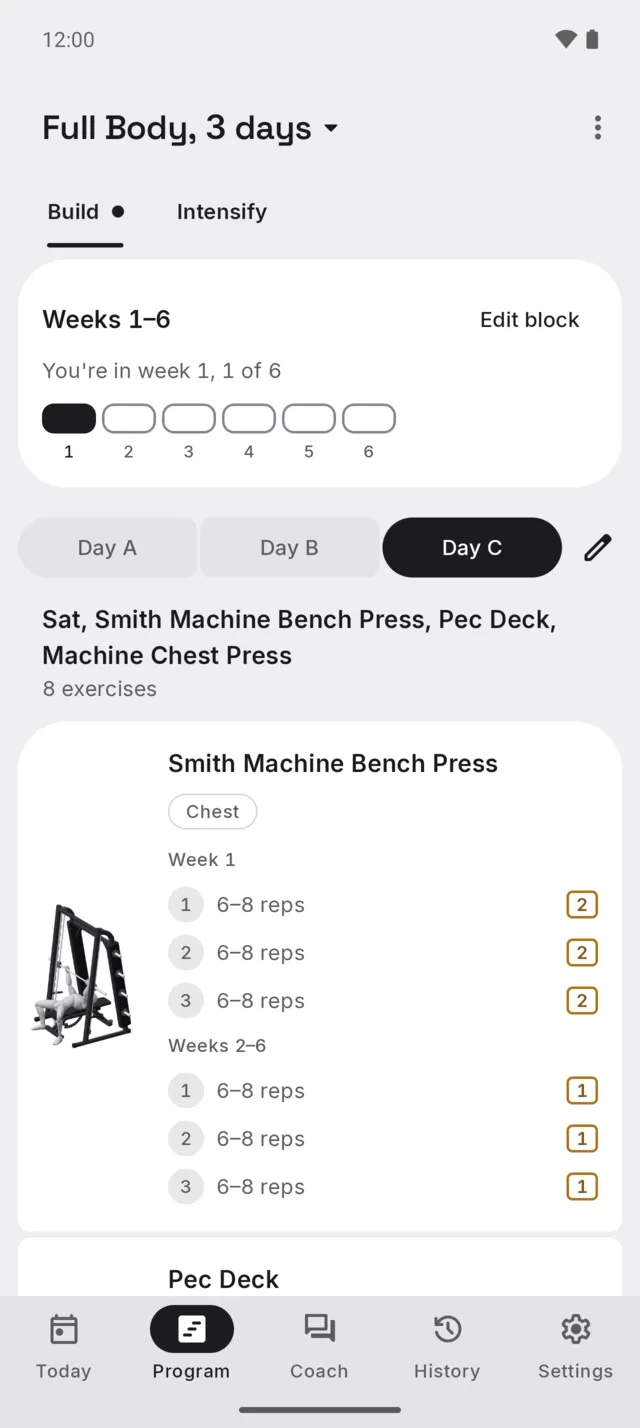
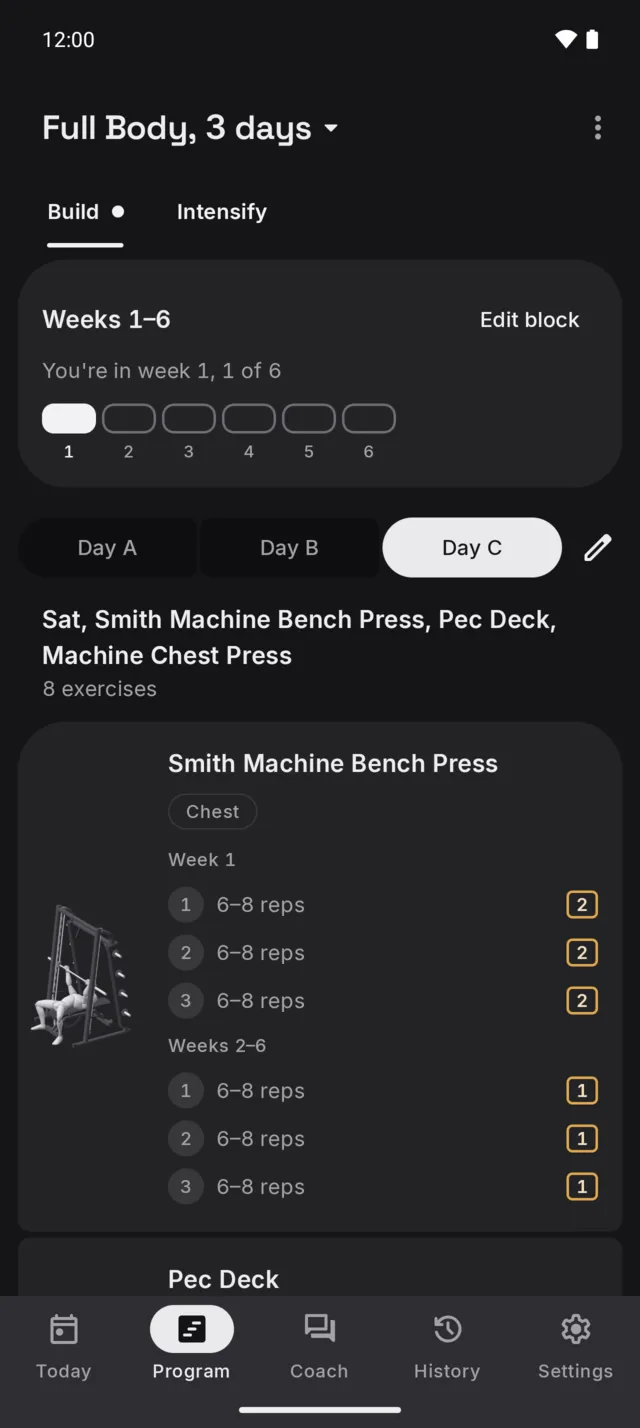
Editing
Section titled “Editing”You edit a block at a time:
- An exercise’s sets: reps, RIR, technique, back-off, adding and removing sets.
- A day’s exercises: swap, add, remove, reorder, and choose alternatives.
- A block’s days (Edit days): add, remove, rename and reorder them.
- Blocks: add, remove, move, and make longer or shorter, with a planned deload week.
Weeks you’ve already trained keep what they were. A change to the block you’re in starts from the next day you haven’t trained.
Changes
Section titled “Changes”The ⋮ menu on Program has the quick levers: Skip day, Repeat week, Deload week and Shift program. These are Changes, as most of a coach’s proposals are: you see what differs before you accept, and you can revert them from the Changes page.
Training days
Section titled “Training days”With training days set, your program’s days take turns on them. Three days on three training days land on the same weekdays each week; four days on three rotate. A missed day is skipped, and Today offers to train it on a free day that week. A week with no sessions doesn’t count: the next week runs it again.
Set the days, each day’s gym and how many minutes you have from the pencil at the top of Today. When a day is planned to run longer than you have, Today says so.
Importing a program
Section titled “Importing a program”Tap the program’s title to open Programs, then Import program, and pick a .json file. With
no program running, Import program is on the Program tab itself.
The file is checked first. If anything is wrong, every problem is listed with its place in the file, and nothing is imported. If a program is running, choose Start now or Save for later.
The program file format describes every field, so you can write a program by hand or ask Claude to. Export on a program’s sheet saves it as a file, which is also the easiest example to start from.
Your program list
Section titled “Your program list”Programs lists everything you have:
- Running: the one you’re on.
- Saved: kept for later. Open one to read it, start it, export it or delete it.
- Past: earlier runs. Resume one where you left it, or Run again from week 1.