

Getting started
Overload Vector runs a periodized strength program, logs what you do and works out your next weights. It needs no account, and your training stays on your phone.
Install the beta
Section titled “Install the beta”Overload Vector is in beta and free. You need an Android phone with Android 8.0 or newer and a 64-bit ARM processor, which covers nearly every phone of recent years.
- On the phone, open the latest release in the browser.
- Download the
.apkfile and open it. The first time, Android asks you to allow installs from your browser. - Open Overload Vector.
After that the app updates itself. When a newer version is out, a banner on Today offers it: tap it, and confirm Android’s “Update this app?”. You can switch the check off in Settings → Check for updates.
On its first start the app asks a few questions, one on each screen. You can skip most of them, and nothing is kept until the last step.
- Units: kilograms or pounds.
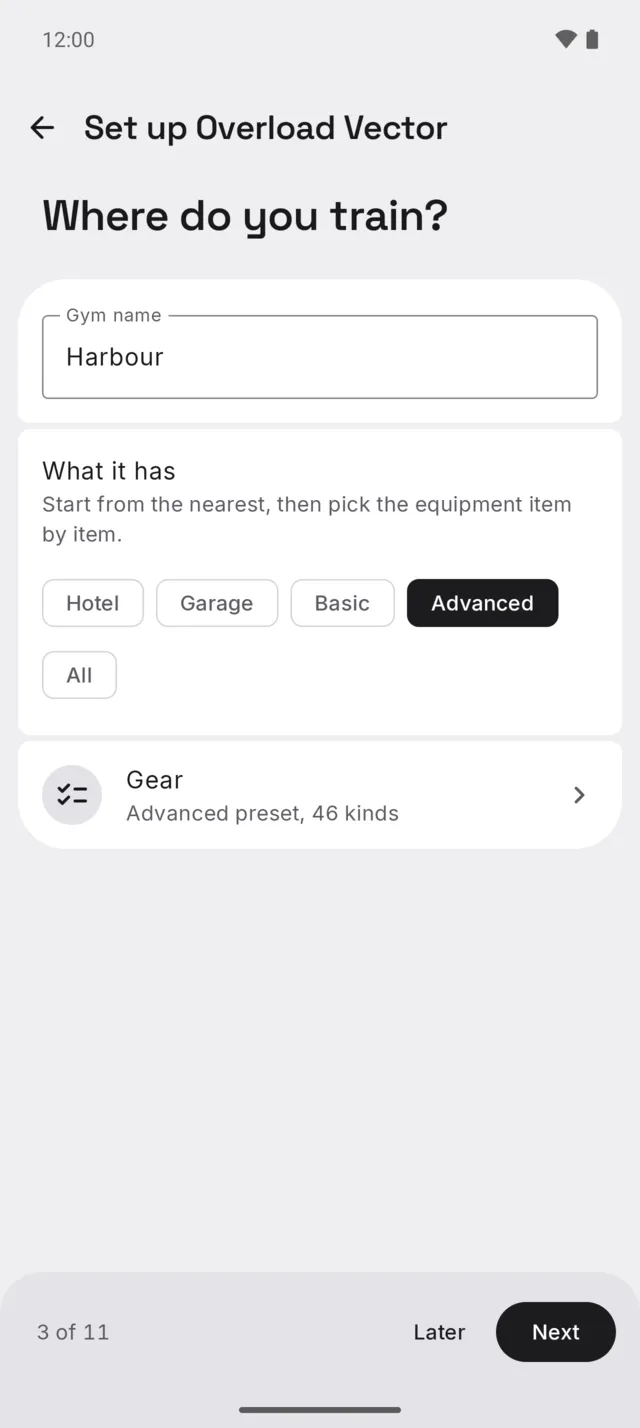
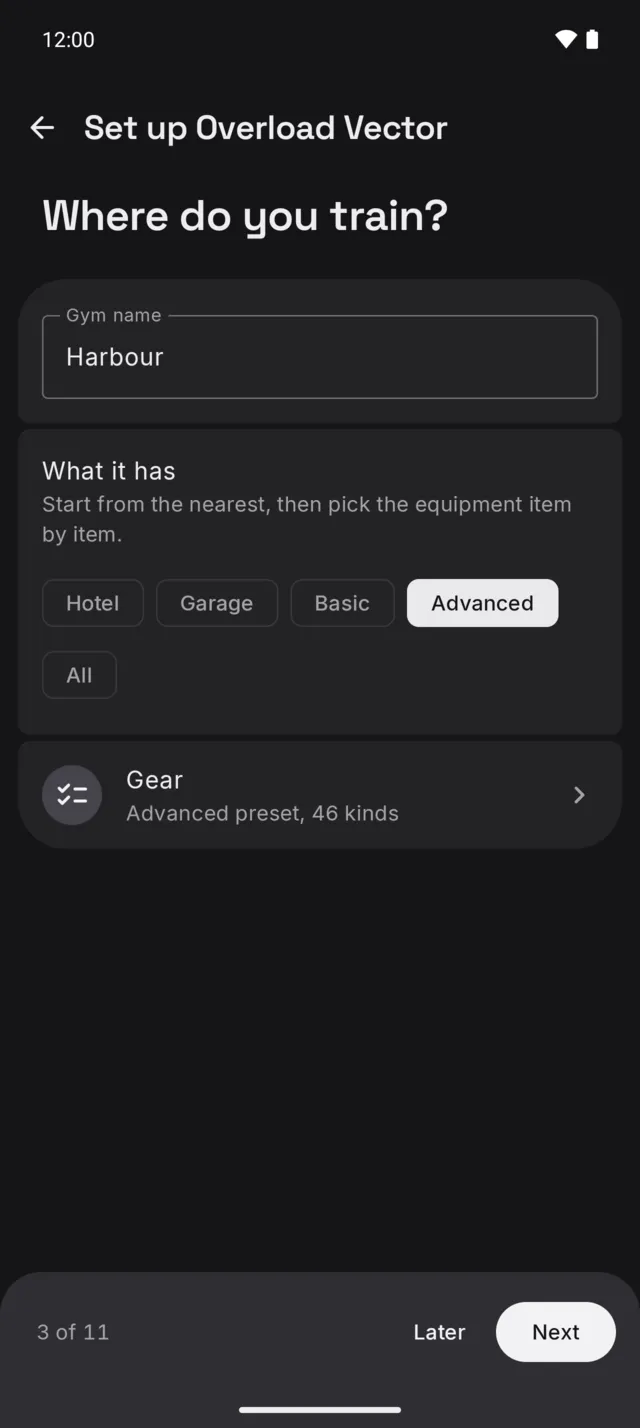
- Your gym: its name and the equipment it has, starting from a preset (Hotel, Garage, Basic, Advanced or All).
- Training days: the weekdays you train, up to six.
- Session length: 45, 60, 75 or 90 minutes, the same every day or different per day.
- Goal: hypertrophy, strength or both, and whether you’re coming back from a break.
- Focus: up to two muscle groups to bring up.
- About you (optional): how fast you progress, your age band and any sore or nagging spots.
- How you like to train: volume, effort, rep ranges and exercises to favour or avoid.
- Coach with Claude? Connect Claude now, or later in Settings. See Coaching with Claude.
- Your first program.
If you have a recent injury, pain that spreads down an arm or leg, numbness or recent surgery, or if exercise brings chest pain, unusual breathlessness or other heart symptoms, see a doctor or physio before you start.
Moving from another phone? Tap Restore from a backup under the first screen’s Start button instead. See Backups and moving to a new phone.
You can walk through Setup again from Settings → Run setup again. Only what you change is kept.
Your first program
Section titled “Your first program”At the end of Setup, choose one:
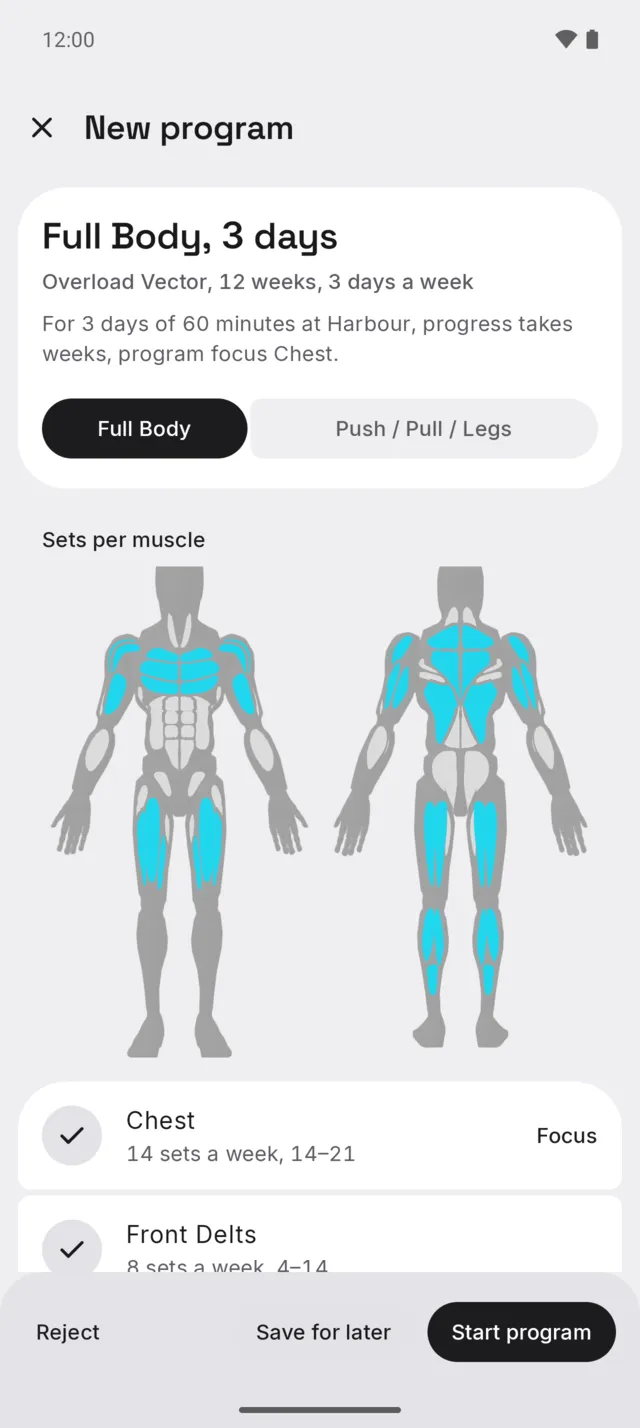
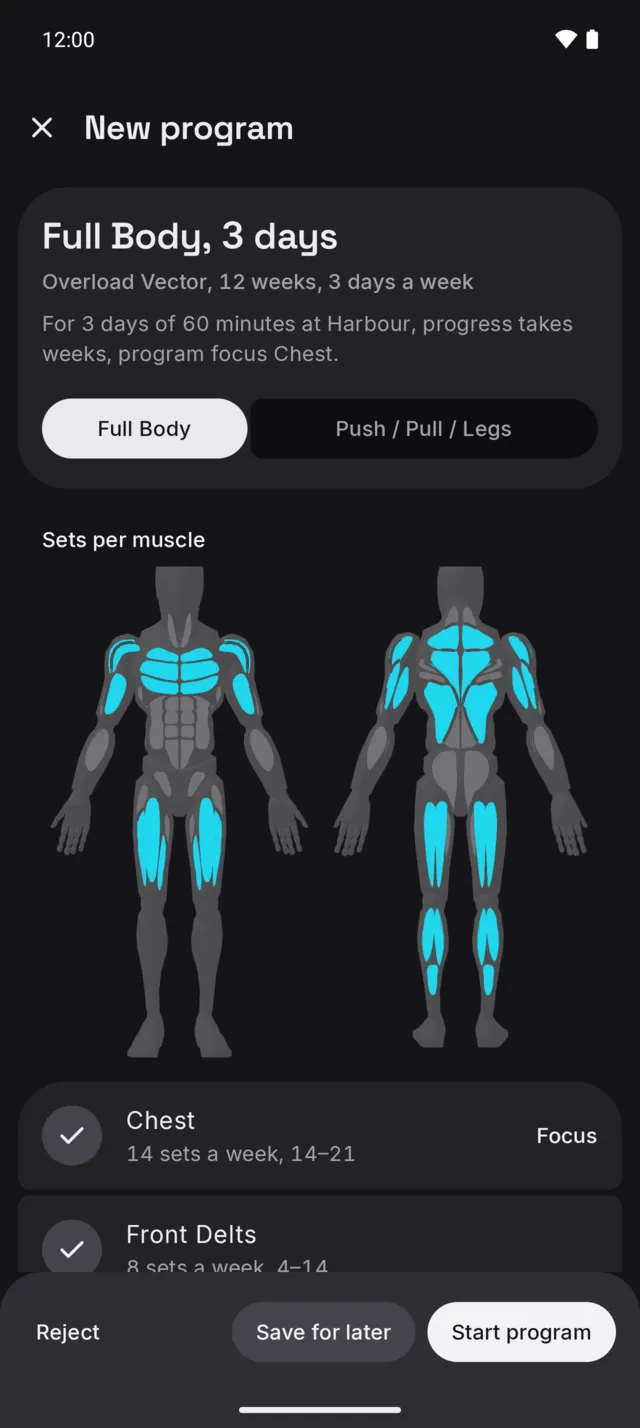
- A program tailored to you. The app writes it on the phone from your answers, with no network. You see the whole program first, with its weekly sets per muscle, then Start program, Save for later or Reject.
- Import a program file. A program you or Claude wrote. See Programs.
- Train ad hoc for now. Start a session whenever you like and add exercises as you go.
- Build it with Claude, if you connected Claude: Claude proposes the program in its own app, and it appears on Today for you to review.
While no program is running, Today and Program also offer Overload Vector Full Body, the starter program: three days a week for 12 weeks, with few sets taken hard.
Today opens on a calendar of weeks. Under it is the day you picked:
- The next day to train shows its exercises, sets and about how long it takes, with Start session.
- A finished day shows what you logged.
- A rest day points to the next one.
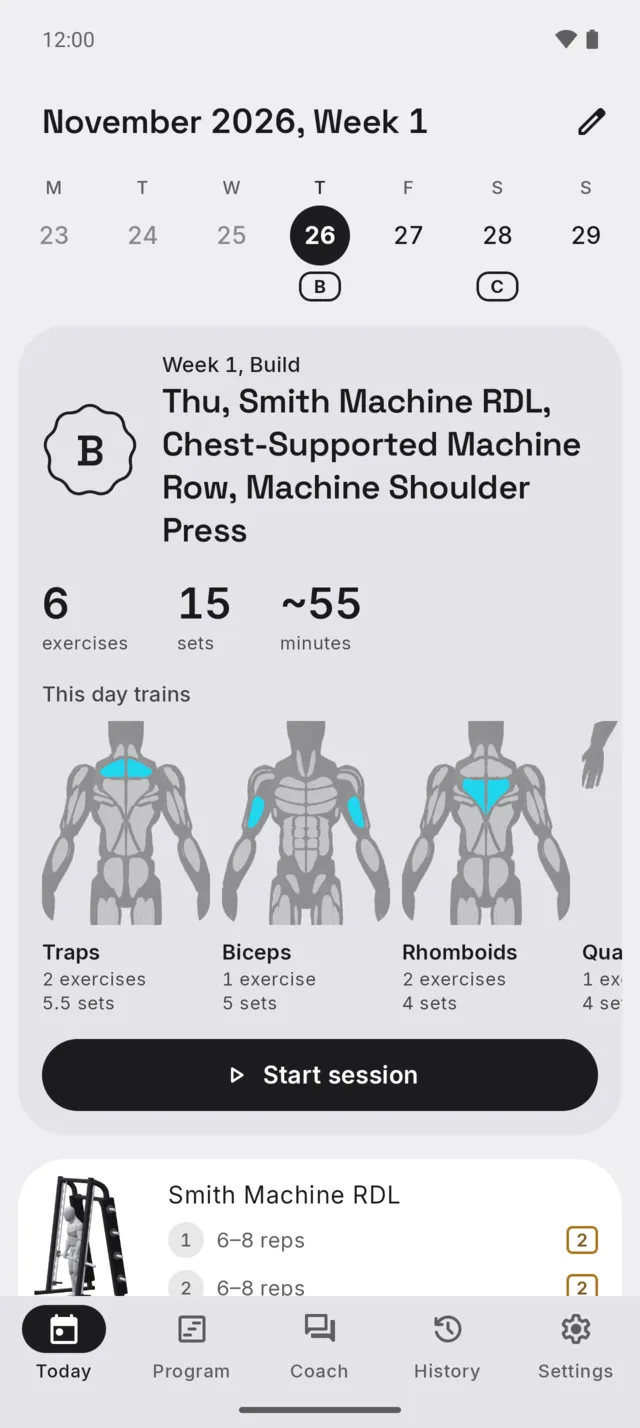
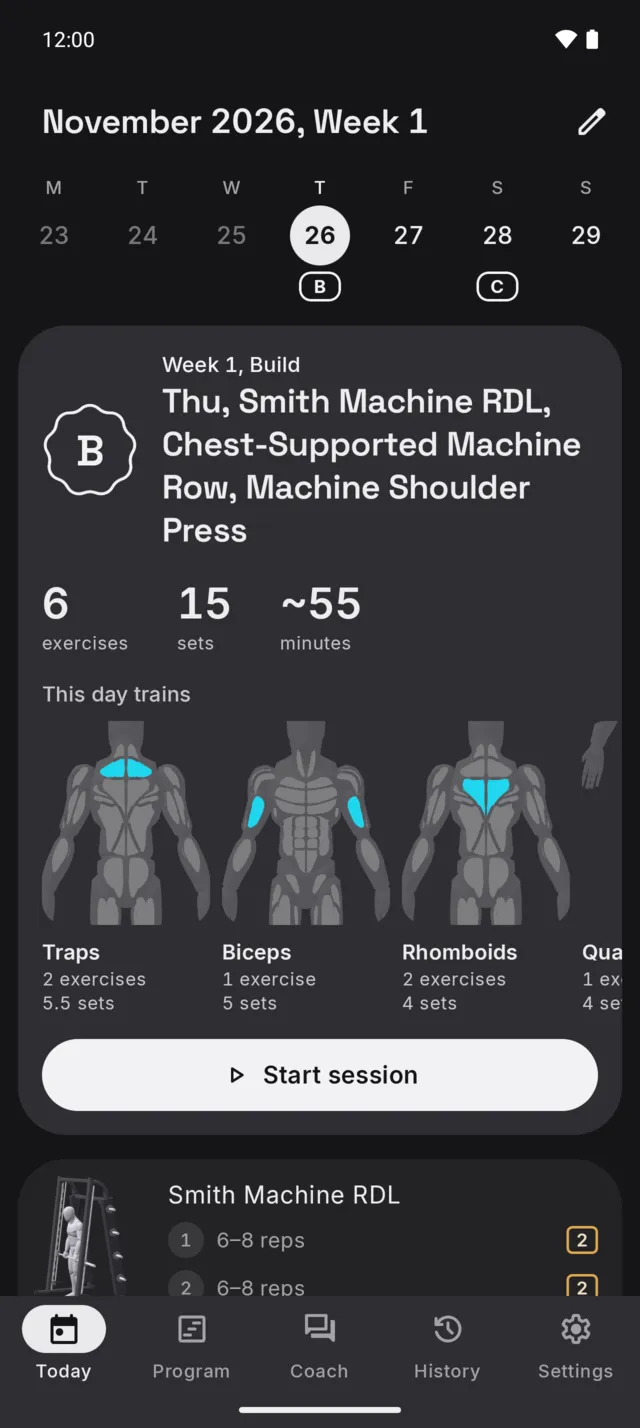
If you set training days, your program’s days take turns on them, and a day you miss is skipped. Without training days the program simply runs in order, whenever you train. You can change them with the pencil at the top of Today.
Next: log your first session.