

Gyms and equipment
Cable stacks and machines differ between gyms, so Overload Vector keeps each gym’s equipment and the weights it can really be set to. Add and edit gyms in Settings → Gyms and equipment.
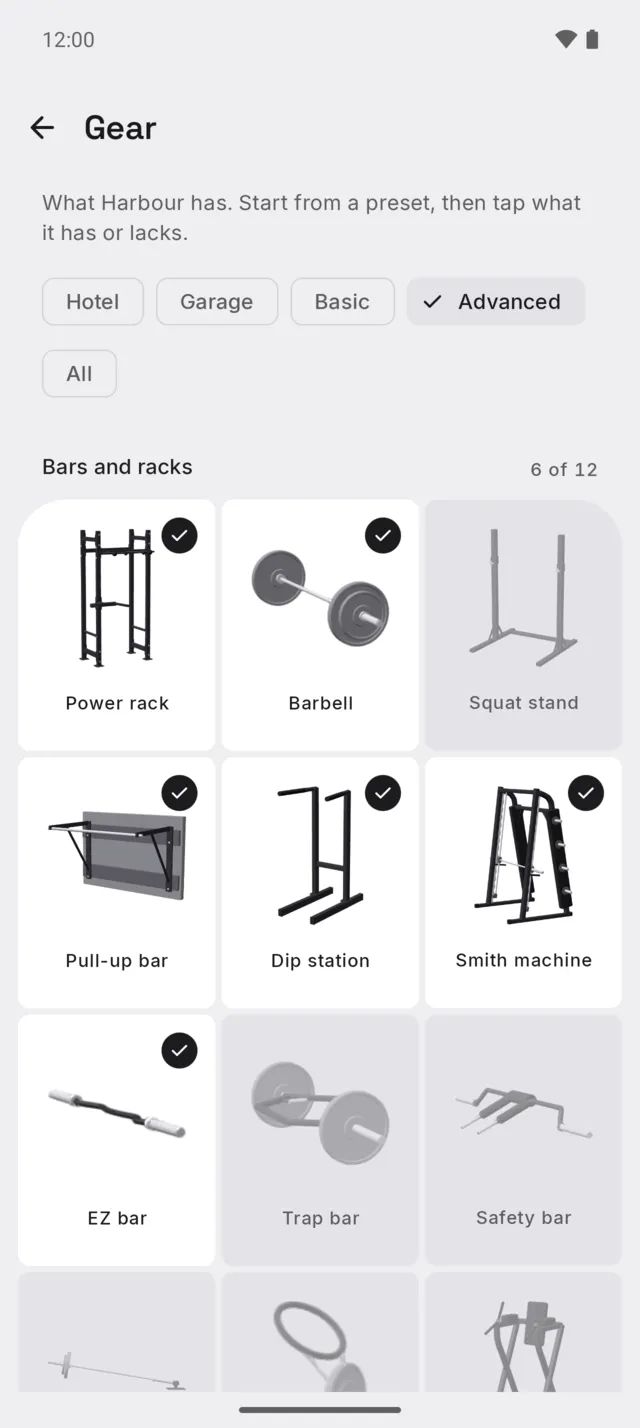
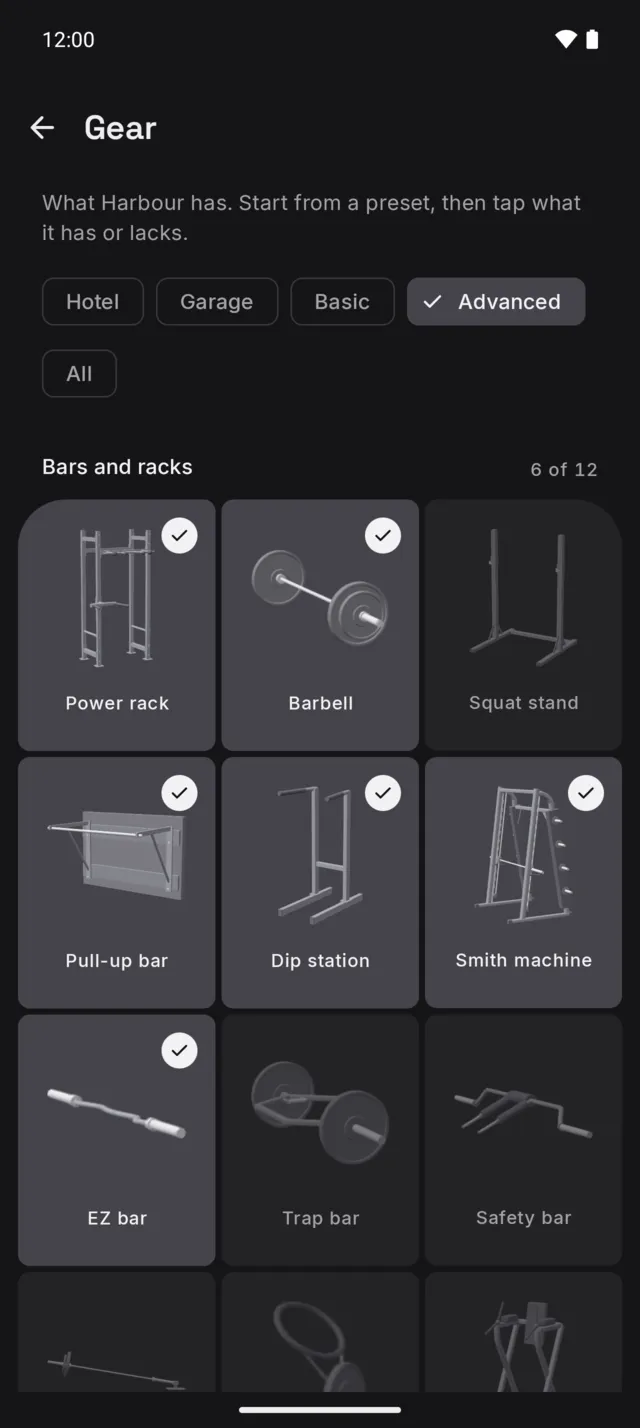
Gear on a gym’s screen is the list of equipment kinds it has. Start from a preset (Hotel, Garage, Basic, Advanced or All) and tap what differs. Setup uses it to pick exercises you can do there.
Equipment and weights
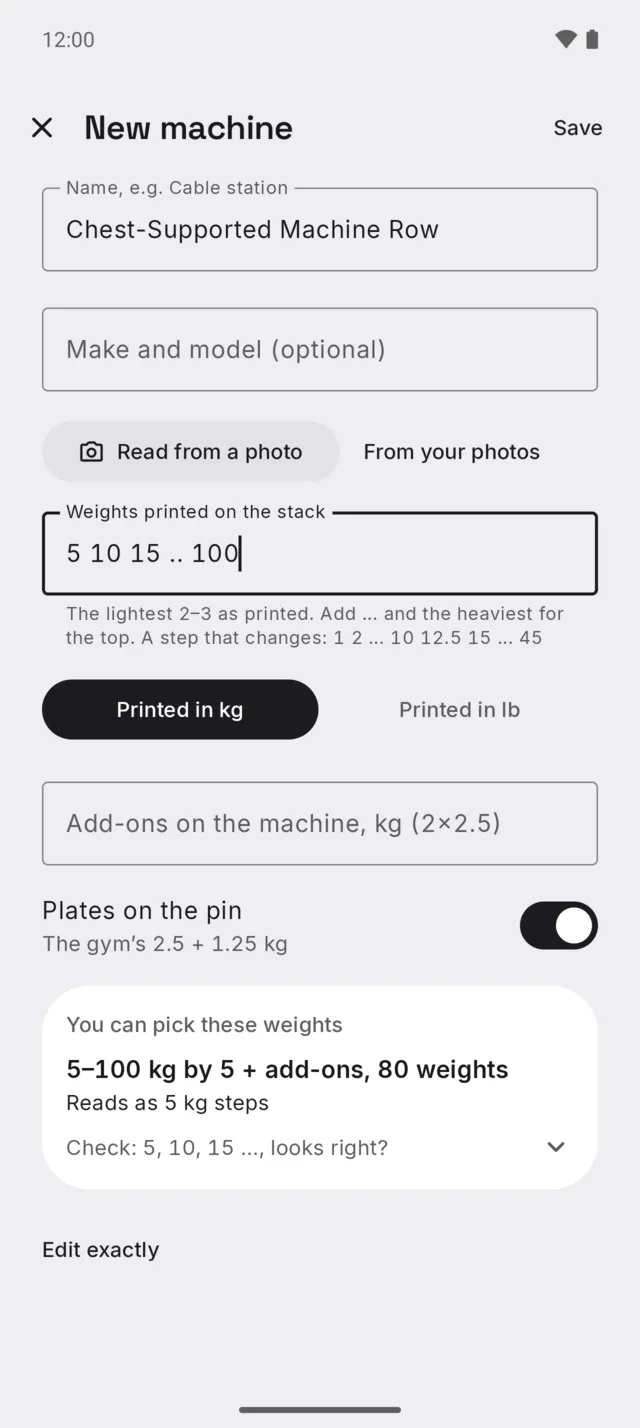
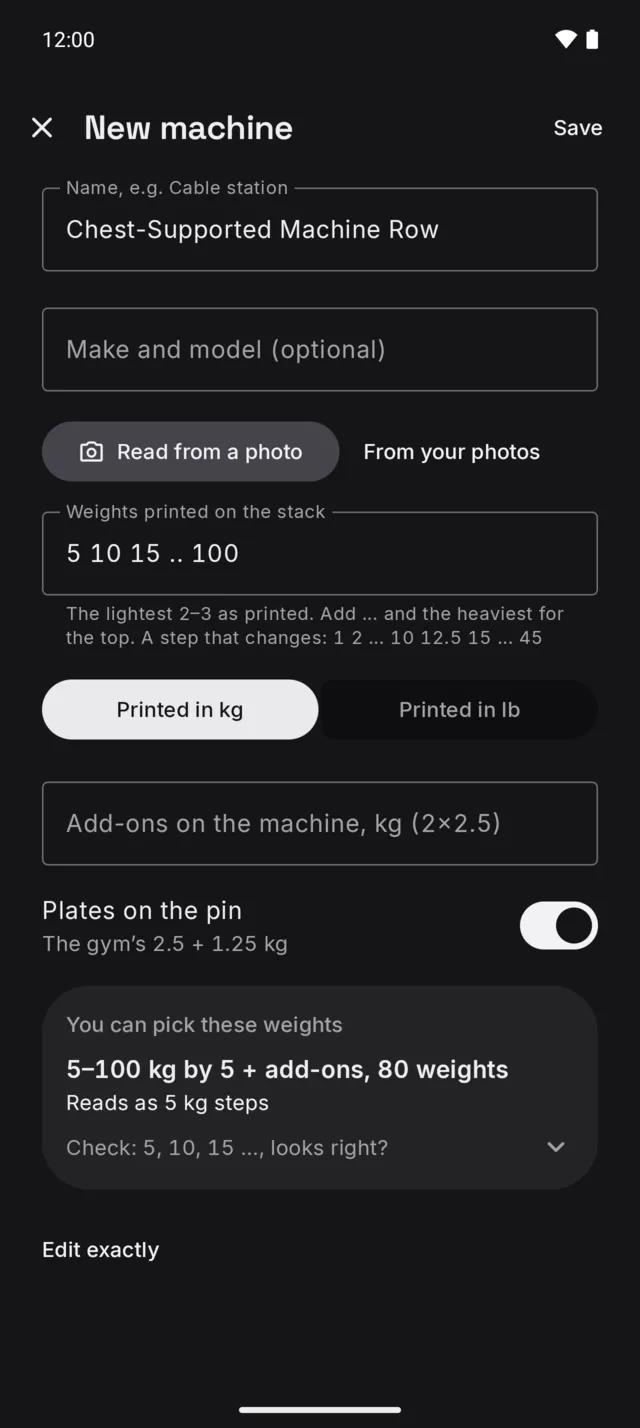
Section titled “Equipment and weights”- Stack machines, cable stations included, have a pin stack in kg or lb, with add-on plates if they have them.
- Plate-loaded machines have their empty weight and use the gym’s plates.
- Bars and the gym’s plates, counted in pairs of each size.
- Dumbbells: the sizes on the rack.
You can type a stack’s labels as a short list, such as 5 10 15 … 100, or read them from a
photo. The phone reads the photo itself. If you’d rather, Claude reads it instead, with your
Claude key.
Which machine?
Section titled “Which machine?”You don’t have to set everything up first. The first time you do a machine or cable exercise at a gym, the app asks Which machine? Pick one, or add it, and it’s remembered. If the gym has nothing for the exercise, Not at the gym swaps it for another, now and next time.
All cable exercises at a gym share one cable station, so you set it up once.
A program’s machines can be added in one go: on a gym’s screen, Add the equipment your program uses. Each one asks for its stack’s labels the first time you use it.
Training history by machine
Section titled “Training history by machine”Free weights share one history across your gyms. Machines and cables keep a history for each machine, because a number on one stack doesn’t mean the same on another. A new machine of the same make and model as one at another gym can start from that one’s weights.
Choose kg or lb in Settings → Weight unit. Stored weights don’t change when you switch, and a machine’s pin and labels read as printed on it.
Importing a gym
Section titled “Importing a gym”Settings → Gyms and equipment → Import gym reads a gym file and adds it as a new gym, without changing the ones you have. Every problem in a file is listed, and nothing is added until it’s clean. The gym file format describes every field.